wi9 Withdrawal Guide
wi9 Withdraw: Move Your Winnings to bKash or Nagad Fast
By the end of this guide you will know exactly how to submit a wi9 withdrawal request, pass the one-time KYC check, and understand why funds arrive in around 36 minutes — or what to do if they don't.
- SSL Encrypted
- 18+
- 24/7 Support
- bKash & Nagad
- Bank Transfer
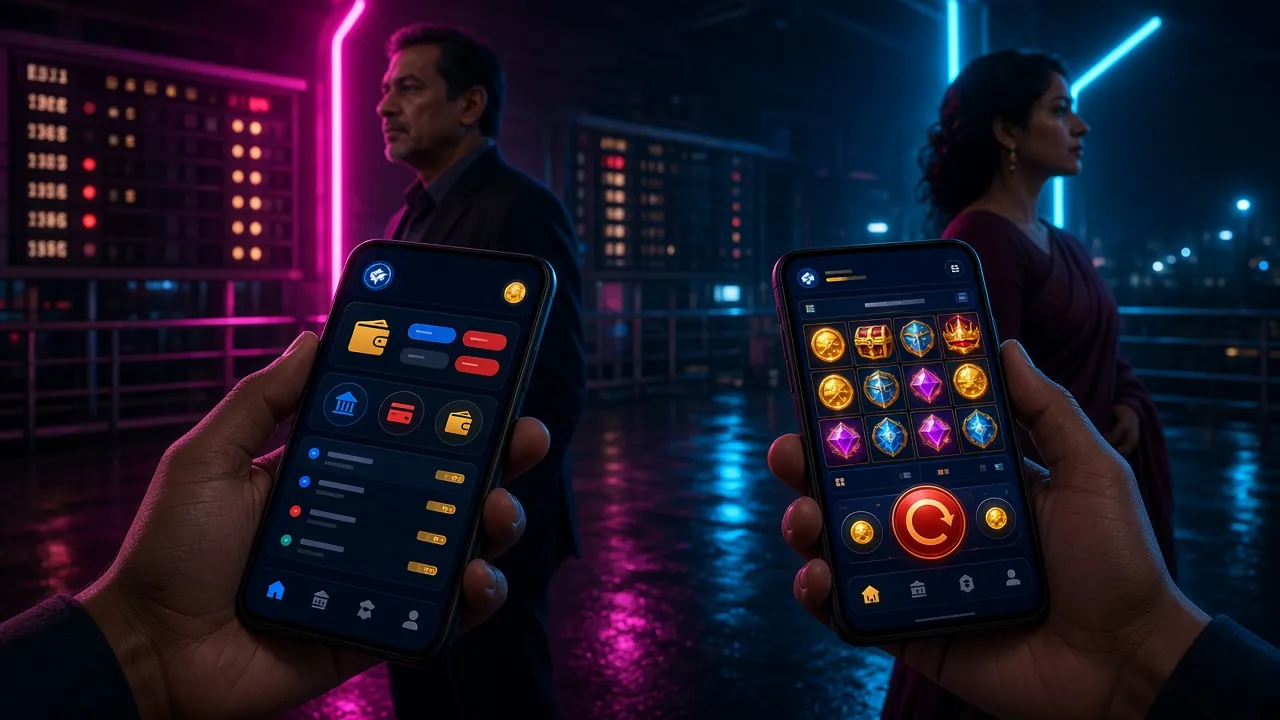
Withdrawal Limits & Timing at a Glance
These numbers come directly from wi9 platform rules. Keep them handy before you submit any request.
Your daily withdrawal limit rises with your VIP level. Master tier members can withdraw up to ৳200,000 per day. See the wi9 Bonus & VIP page for full tier details.
| VIP Tier | Monthly Turnover | Daily Withdrawal Limit | Cashback |
|---|---|---|---|
| Member | ৳0 | ৳55,000 | 1.3% |
| Star | ৳25,000 | ৳84,000 | 1.6% |
| Elite | ৳73,000 | ৳1,30,000 | 1.9% |
| Master | ৳2,20,000 | ৳2,00,000 | 2.2% |
Payment Methods for Withdrawals
wi9 supports all the payment methods Bangladeshi players use daily. The table below shows what to expect for each one.
| Method | Min. Deposit | Deposit Time | Min. Withdrawal | Withdrawal Time | Fee |
|---|---|---|---|---|---|
| bKash | ৳500 | ~2 min | ৳400 | ~36 min | Free |
| Nagad | ৳500 | ~2 min | ৳400 | ~36 min | Free |
| Rocket | ৳500 | ~2 min | ৳400 | ~36 min | Free |
| Bank Transfer | ৳500 | ~2 min | ৳400 | ~36 min | Free |
Always withdraw to the same mobile wallet number or bank account you used to deposit. Sending funds to a different account is a common reason for rejection — see the declined withdrawal section below.
How to Submit a Withdrawal Request
Follow these five steps on mobile or desktop. The whole process takes under three minutes once your account is verified.
-
1
Log in to your wi9 account
Open the wi9 app or visit wi9.lat on your browser. Tap Log In and enter your phone number and password. If you use the wi9 app, Face ID or fingerprint login saves time.
-
2
Open the Withdraw section in your wallet
Tap your account icon (top right), then select Wallet → Withdraw. You will see your current real-money balance and any pending bonus balance that cannot be withdrawn yet.
-
3
Choose your payment method and enter the amount
Select bKash, Nagad, Rocket, or Bank Transfer. Type the amount — minimum ৳400, up to your daily limit. The screen shows your available withdrawal balance after any active wagering requirement is deducted.
-
4
Confirm your registered mobile number or account details
wi9 pre-fills the number linked to your account. Double-check it matches the wallet where you want to receive funds. Tap Confirm Withdrawal. You will get an SMS confirmation code — enter it to authorise the request.
-
5
Wait for the funds to arrive
wi9 processes approved withdrawals within about 36 minutes. You will receive an in-app notification and an SMS once the money is on its way. If 60 minutes pass with no update, contact 24/7 Live Chat with your transaction reference number.
First-Time Withdrawal: KYC Explained
Before wi9 releases your first withdrawal, the platform needs to confirm your identity. This is a one-time check called KYC (Know Your Customer). Once approved, you won't need to go through it again.
Important: Submit your KYC documents before you request your first withdrawal. The review takes up to 6 hours. Planning ahead means you won't be waiting when you're ready to cash out.
Accepted Identity Documents
- National ID Card (NID)
- Passport
- Driving Licence
Any one of these three documents is enough. You do not need to provide all three. Make sure the document is current and not expired.
Photo Requirements
- Clear, in focus — all four corners visible
- No glare, shadows, or fingers covering text
- File format: JPG, PNG, or PDF under 5 MB
- Both front and back of NID or licence required
- Selfie holding the document may be requested
- No screenshots of documents — originals only
How to Upload Your KYC Documents
This is a quick four-step process. Most players finish it in under two minutes on their phone.
-
1
Go to Account Settings → Identity Verification
Log in to wi9, tap your profile icon, then choose Settings → Verify Identity. The page shows which documents are still pending and which are already approved.
-
2
Select your document type
Choose National ID Card, Passport, or Driving Licence. If you pick NID or Driving Licence, you will be asked to upload both front and back images. For a Passport, the data page alone is sufficient.
-
3
Upload clear photos and submit
Tap Upload Photo to open your camera or file library. Take the photo in good light — avoid flash directly on the document as it creates glare. Review the preview before tapping Submit.
-
4
Wait for the email or SMS confirmation
wi9 reviews documents within 6 hours. You will receive a notification when your identity is confirmed. After that, your first withdrawal request goes through the standard 36-minute process.
Privacy note: wi9 stores your documents using AES-256 encryption. Your personal data is used only for identity checks and is not sold or shared with marketing companies. See the Privacy Policy for full details.
Why wi9 Withdrawals Get Declined — and the Fix
Most failed requests come down to a few predictable causes. The table below explains what went wrong and exactly how to resolve it.
| Reason | What it means | How to fix it |
|---|---|---|
| KYC not completed | Your identity documents haven't been verified yet — required before the first withdrawal. | Upload a valid NID, Passport, or Driving Licence. Approval takes up to 6 hours. |
| Active wagering requirement | Bonus funds attached to your balance have a 23× wagering requirement that hasn't been met. | Check your bonus status in Wallet → Bonus. Keep playing until the wagering counter clears, or forfeit the bonus in settings. |
| Wrong destination account | The bKash or Nagad number you entered doesn't match the one registered to your wi9 profile. | Withdraw only to the same mobile wallet used to deposit. Update your registered number via Live Chat if it changed. |
| Amount below minimum | The request was for less than ৳400. | Wait until your balance reaches ৳400 or more, then resubmit. |
| Daily limit exceeded | You already withdrew your tier's daily maximum (৳55,000 for Member tier). | Wait until midnight (UTC+06) for the limit to reset. Upgrade your VIP tier to increase the daily cap. |
| Blurry or cropped KYC photo | The document photo was rejected — text unreadable or corners cut off. | Retake the photo in natural daylight, all four corners visible, no flash glare. Resubmit via Identity Verification. |
| Suspicious activity flag | Unusual betting patterns triggered an automatic hold on the account. | Contact 24/7 Live Chat immediately. Provide your account details and transaction reference. Most flags clear within a few hours. |
If a withdrawal has been pending for more than 60 minutes with no update, don't submit a second request. Instead, open Live Chat and share your withdrawal reference number. Duplicate requests can cause further delays.
Questions Players Ask About wi9 Withdrawals
1 How long does a wi9 withdrawal actually take?
wi9 targets a 36-minute processing window for all mobile wallet withdrawals (bKash, Nagad, Rocket) and Bank Transfer. This timer starts after the withdrawal is approved, not when you submit the request. During peak hours, approval can add a few minutes. If 60 minutes pass with no movement, contact Live Chat.
2 What is the minimum amount I can withdraw from wi9?
The minimum withdrawal is ৳400 per request. There is no minimum number of withdrawals per day — you can make multiple requests as long as your balance allows and you stay within the daily limit for your VIP tier.
3 Do I have to verify my identity every time I withdraw?
No. KYC is a one-time process. Once your documents are approved (within 6 hours of submission), all future withdrawals go through the standard flow without any additional identity checks — unless you change your registered payment details.
4 Can I withdraw bonus winnings immediately?
Bonus winnings only become withdrawable after you meet the wagering requirement. For the welcome bonus, that is 23× the bonus amount. For example, if you received a ৳1,000 bonus, you need to wager a total of ৳23,000 before the resulting winnings can be cashed out. Your wallet shows the current wagering progress.
5 Is there a fee for withdrawing from wi9?
wi9 charges no fee on withdrawals. All four supported methods — bKash, Nagad, Rocket, and Bank Transfer — are free on the platform side. Your mobile operator or bank may apply their own transfer fee for receiving funds, but that is outside wi9's control.
6 My first withdrawal was returned — what happened?
First-time withdrawals are held until KYC is complete. If your documents were rejected (blurry, expired, or mismatched name), the withdrawal is returned to your wallet balance. Re-upload clear photos and resubmit. If the name on your document doesn't match the name on your wi9 account, contact Live Chat to resolve the discrepancy before reapplying.
7 Can I increase my daily withdrawal limit?
Yes — your daily limit increases automatically as you move up wi9's VIP tiers. Star tier raises it to ৳84,000, Elite to ৳1,30,000, and Master to ৳2,00,000. Tier upgrades are based on your monthly betting turnover and happen within 24 hours of crossing the threshold.
8 What if I no longer have access to the number I registered with?
Contact wi9 Live Chat (available 24/7) and provide your account details and KYC documents. The support team can update your registered mobile number after identity is re-confirmed. Funds cannot be sent to an unregistered account for security reasons.
Still stuck?
wi9's support team is online around the clock. For withdrawal issues, have your transaction reference number ready — it speeds things up.
Open Live ChatRelated pages